The practical difference
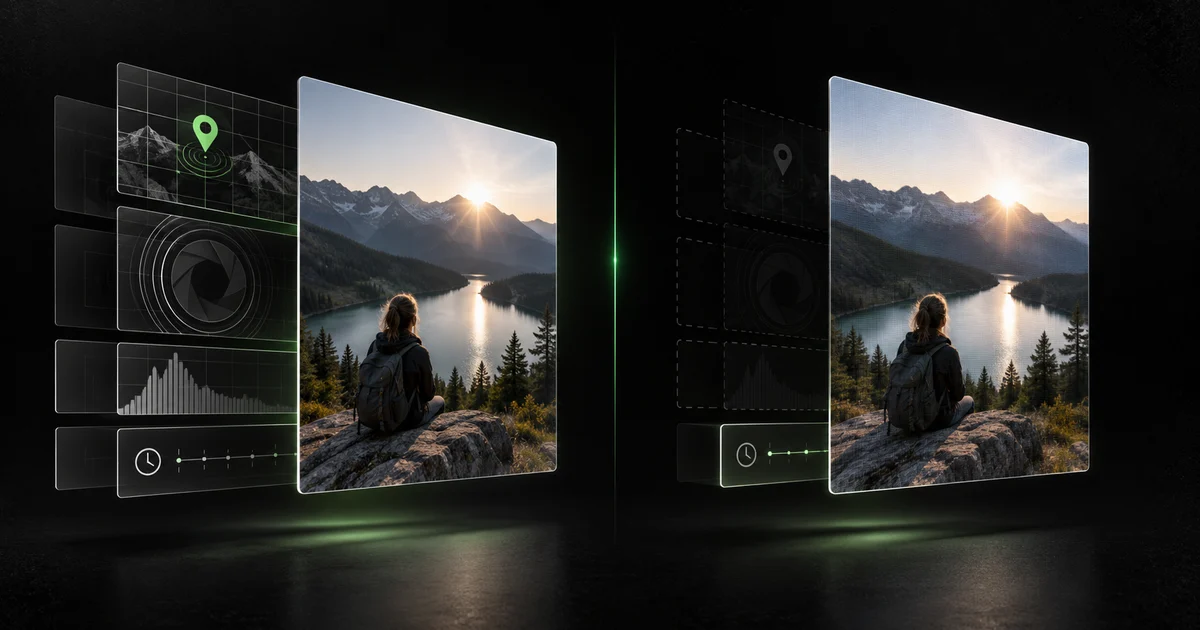
An original camera photo is a file produced by the camera pipeline. It can include EXIF tags for the capture device, camera settings, capture time, orientation, and GPS coordinates. The Library of Congress describes EXIF JPEG as a self-documenting format whose attributes can include the camera manufacturer, date and time, and picture-taking conditions.
A screenshot is a fresh image rendered from pixels currently visible on the screen. Because it is not the original camera file, it generally does not inherit the original file's camera-specific EXIF directory. This is why screenshots often appear almost empty in metadata viewers.
| Metadata | Original iPhone photo | Screenshot of that photo |
|---|---|---|
| Original GPS | Often present when Camera location is enabled | Usually absent |
| Camera make and model | Usually present | Usually absent |
| Lens and exposure | Usually present | Usually absent |
| Original capture time | Usually present | Usually absent |
| New file timestamp | Present | Can be present for the screenshot |
| Software or color profile | May be present | May be present |
| Visible private details | Possible | Still possible |
What a screenshot does not protect
Removing embedded GPS does not remove private information visible in the pixels. A street sign, reflection, school badge, shipping label, map, notification, face, or distinctive window view can still identify a place or person.
A screenshot can also change image dimensions, crop the frame, flatten edits, and reduce fidelity. That may be acceptable for casual sharing, but it is a poor archival workflow and an unreliable way to preserve a full-resolution photograph.
- Visible addresses, faces, usernames, and notifications remain visible.
- The screenshot gets a new creation context of its own.
- Apps and operating-system versions can change what gets written.
- A platform may generate yet another derivative when you upload the screenshot.
A repeatable two-file test
Do not trust a rule of thumb when the file is sensitive. Use the original and the screenshot as two separate test files. Check both for GPS, device, date, software, and provenance markers. The comparison takes less than a minute and tells you what your actual device and sharing path produced.
- Choose an ordinary test photo, not a sensitive one, and inspect the original with the free browser checker.
- Take a screenshot while viewing the photo, crop it if needed, and inspect the screenshot separately.
- Compare GPS, device, capture date, software, dimensions, and filename fields.
- If you need the original quality, clean a verified copy instead of substituting a screenshot.
When to use each approach
Use a screenshot when the visible portion of a screen is all you need and reduced fidelity is acceptable. Use metadata cleanup when you need the actual photo or video, its full resolution, or a predictable set of fields removed.
For high-risk sharing such as dating apps, marketplace listings, public forums, client work, or files sent to strangers, the safest workflow is inspect, clean, verify, then share the cleaned output.
See what your photo reveals.
The browser checker reads supported metadata locally. Your selected photo is not uploaded.
Frequently asked questions
Does a screenshot remove GPS location?
It usually does not inherit the original photo's GPS EXIF block, but the result depends on the device and app. Inspect the exported screenshot before treating it as location-free.
Is a screenshot as high quality as the original?
Usually not. It captures the displayed pixels at the screen's resolution and may crop or rescale the image. Cleaning the original into a new verified copy better preserves the intended file.
Can a screenshot still identify where I am?
Yes. Even without embedded GPS, visible details such as signs, landmarks, reflections, maps, or addresses can reveal a location.
Sources and methodology
We prefer primary documentation and distinguish documented behavior from repeatable observation. Product limitations are stated directly.
- Apple Support: Share photos and videos on iPhoneApple documents that shared photos can include date, time, location, device, captions, edit history, and other metadata.
- Library of Congress: JPEG encoded file with EXIF metadataTechnical description of EXIF attributes stored with JPEG photography.
- CIPA: Exif 3.0 overviewOverview from the industry body responsible for the Exif standard.